
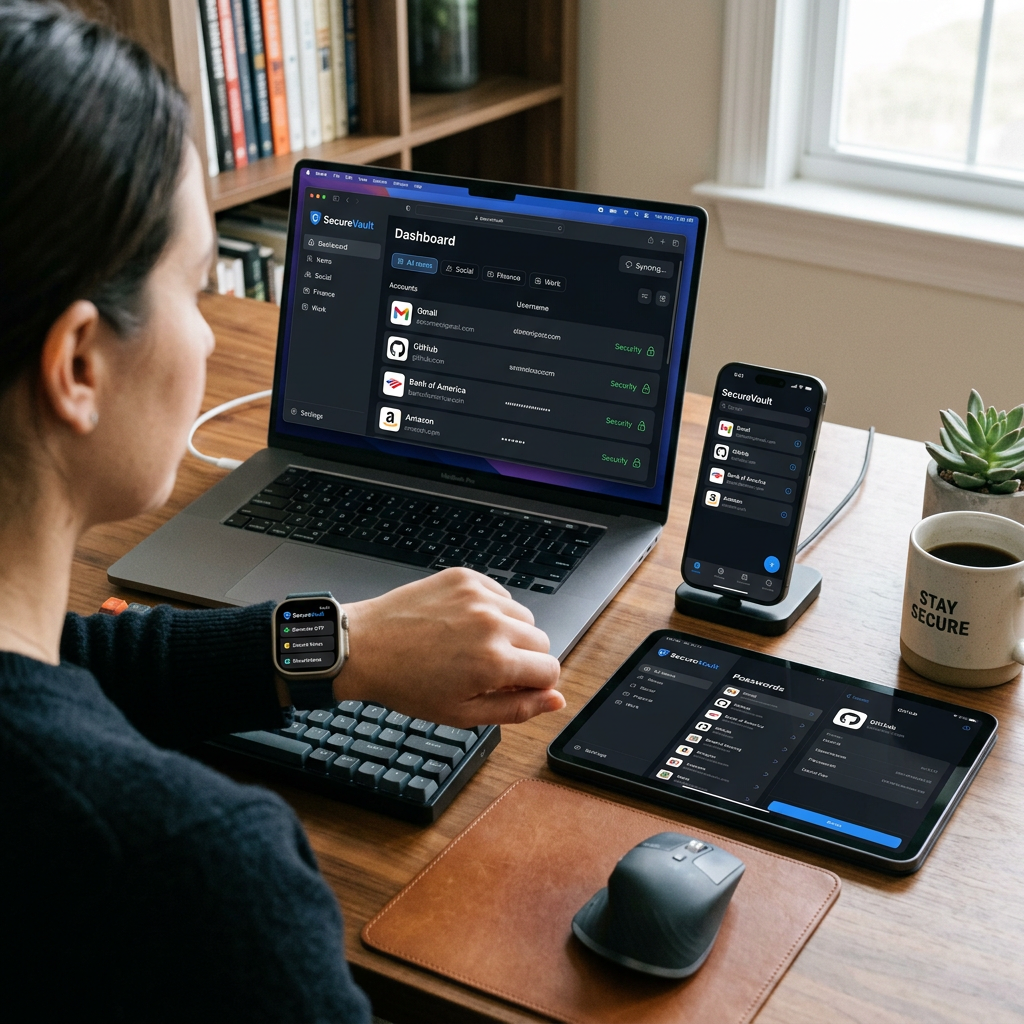
There’s a moment most of us have experienced.
You’re trying to log into something important—banking, work, maybe even a flight check-in—and suddenly… nothing works.
Wrong password.
Try again.
Still wrong.
Reset email. New password. “This can’t be your previous password.”
And just like that, five minutes turn into fifteen.
That’s usually the moment people start thinking about password managers.
Not because they’re “tech-savvy,” but because they’re tired.
Tired of remembering.
Tired of resetting.
Tired of wondering if their accounts are actually secure.
The good news? Password managers today don’t just store passwords—they simplify your digital life while quietly protecting it.
Here are five that are actually worth using.
What a Good Password Manager Should Do
Before picking one, here’s what really matters:
- Store passwords securely (with strong encryption)
- Autofill logins without friction
- Generate strong, unique passwords
- Sync across devices
- Alert you if something looks unsafe
Everything else is a bonus.
1. Dashlane — The All-in-One Option
If you want something that does everything, this is it.
Dashlane feels less like a password manager and more like a digital security hub.
What stands out:
- Stores unlimited passwords and syncs across devices
- Built-in password health checker (flags weak or reused passwords)
- Dark web monitoring and alerts
- Secure notes + encrypted file storage
- Optional VPN for extra protection on public Wi-Fi
It’s especially useful if you’re managing multiple accounts across work, shopping, and personal life.
2. LastPass — Simple and Beginner-Friendly
If you’ve never used a password manager before, this one feels easy right away.
The interface is clean, and everything is organized into folders—logins, cards, notes—so you’re not digging around for what you need.
What people like:
- Straightforward setup
- Works across devices and browsers
- Secure password storage with autofill
- Affordable plans for individuals and families
It’s a solid starting point if you want something that just works without a learning curve.
3. Sticky Password — Reliable and Budget-Friendly
This one has been around for a long time—and it shows in a good way.
It’s stable, familiar, and doesn’t try to overcomplicate things.
What makes it different:
- Works across a wide range of browsers and devices
- Can store data locally or in the cloud
- Supports external storage like USB devices
- Secures notes and sensitive text data
Bonus: a portion of its proceeds supports wildlife conservation, which is a nice touch if that matters to you.
4. Password Boss — Quietly Powerful
This one doesn’t get as much attention—but it covers all the essentials really well.
Think of it as a no-nonsense, security-first option.
What it does well:
- Stores passwords, Wi-Fi credentials, and sensitive data in one place
- Automatically saves and fills login details
- Uses strong encryption to protect your data
- Syncs securely across devices
It’s ideal if you want something dependable without extra clutter.
5. 1Password — Best for Families and Shared Access
This one shines when you’re not just managing your own logins—but a household’s.
What stands out:
- Securely share passwords, cards, and notes
- Control who can access what
- Recover deleted items with history tracking
- Travel mode (temporarily hides sensitive data when needed)
It’s especially useful if you’re sharing streaming accounts, subscriptions, or managing family access.
So… Do You Really Need One?
If you’re still using:
- The same password everywhere
- Slight variations of the same password
- Or resetting passwords every week
Then yes—this is one of the simplest upgrades you can make.
A good password manager doesn’t feel like a tool.
It feels like one less thing to think about.
Final Thought
We spend so much time online—banking, shopping, working, storing memories.
But security is usually an afterthought… until something goes wrong.
Password managers quietly fix that.
No friction. No constant reminders.
Just a smoother, safer way to exist online.
Leave a Reply